Integrating Dynamic Maps in a Limo Service Website: A Step-by-Step Guide


Why Integrate Dynamic Maps?
Integrating dynamic maps into your limo service website can significantly enhance user experience by providing real-time location tracking, route planning, and estimated arrival times. This feature can set your service apart from competitors, offering clients a seamless and interactive way to plan their journeys.
Dynamic maps allow users to visualize routes and potential traffic conditions, improving their satisfaction and trust in your service. It's not just about aesthetics; it's about functionality and reliability.
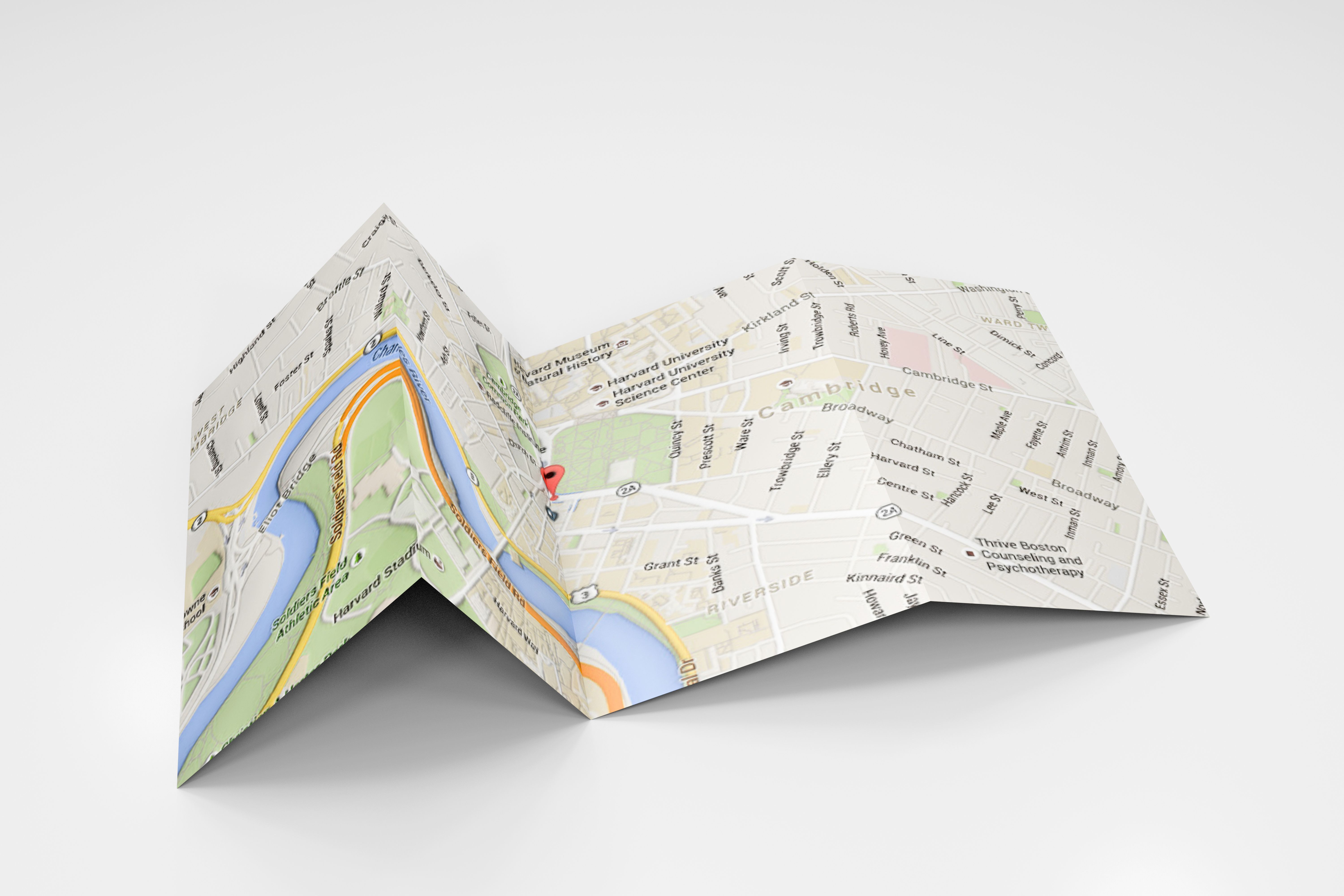
Choosing the Right Map Service
The first step in integrating dynamic maps is selecting the right map service. Popular choices include Google Maps, Mapbox, and OpenStreetMap. Each of these offers unique features and pricing models, so it's crucial to evaluate which one aligns best with your business needs.
Consider factors such as API capabilities, customization options, and the potential for scalability. Google Maps, for instance, is widely used and offers extensive documentation, making it a reliable choice for most businesses.
Setting Up an API Key
Once you have chosen your map service, the next step is acquiring an API key. This key allows your website to communicate with the map service, enabling dynamic features. Most services require you to create an account and register your application to get started.
Ensure you understand the pricing structure associated with API usage to avoid unexpected costs. Many services offer a free tier, which is ideal for small businesses just starting out.

Embedding the Map on Your Website
With your API key in hand, you can now embed the map on your website. This process typically involves inserting a few lines of code into your site's HTML. Many map services provide step-by-step guides to assist with this integration.
Focus on positioning the map on a prominent page, such as your homepage or a dedicated location page, to maximize visibility and user engagement.
Customizing Map Features
Customization is key to making the map integration truly beneficial. Consider adding features like real-time vehicle tracking, customizable route options, and estimated time of arrival. These enhancements can provide your clients with valuable insights and improve their overall experience.

Most map services offer a range of plugins and extensions to help tailor the map's functionality to your needs. Take advantage of these tools to differentiate your service.
Testing and Optimization
After integrating and customizing your map, thorough testing is essential. Ensure that the map loads correctly across different devices and browsers. Check that all features, such as tracking and route planning, are functioning as intended.
Optimization is an ongoing process. Regularly update your map features in response to user feedback and technological advancements to maintain a competitive edge.
Conclusion
Integrating dynamic maps into your limo service website can drastically improve user interaction and satisfaction. By carefully selecting a map service, setting up the necessary API, and customizing features, you can offer an engaging and practical tool that enhances your business.
Stay committed to testing and optimizing your map integration to keep pace with evolving customer expectations and technological trends.